GIF BACKGROUND REMOVER
Remove the Background From a GIF
GIF stores transparency as one palette index, not an 8-bit alpha channel. Anti-aliased edges cannot survive that, which is why GIF cutouts fringe where video cutouts do not.
- ✓ Try without signup
- ✓ No watermark
- ✓ GPU-powered
Drop a video, or choose a file
Your file is uploaded securely to our servers for processing.
Choose a file MP4, WebM or MOV · up to 5 minutes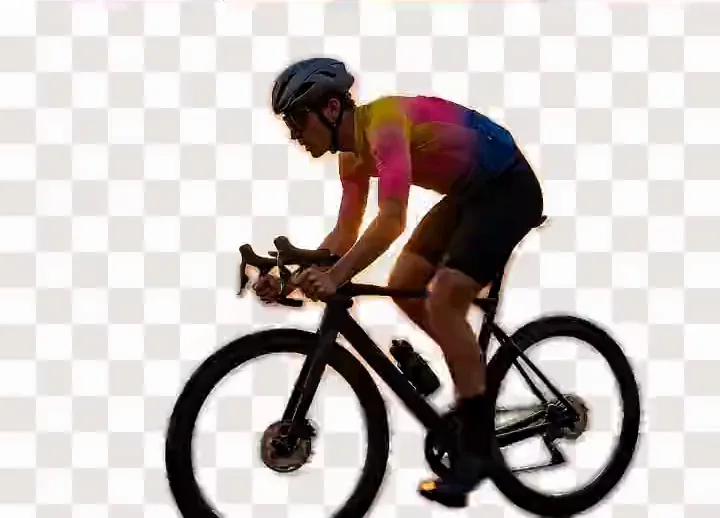
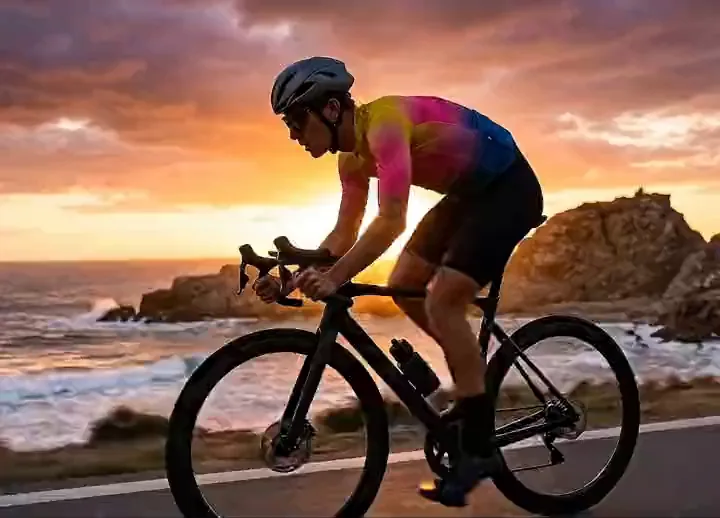

Drag to compare: the original on the left, the background removed on the right, shown against a transparency checkerboard.
Background
1bit
GIF transparency
8bit
PNG and WebM alpha
256
Colours per GIF frame
0
GIF files accepted here
WebM
Video export
GIF Transparency Is One Palette Slot, Not an Alpha Channel
GIF transparency is one index in the colour table the decoder draws as nothing. Each pixel is fully transparent or fully opaque, never partly covered: one bit against eight in a PNG.
A frame also holds at most 256 colours, one spent on transparency: a different mechanism from PNG alpha, with its own failure mode.
Why the Edges Fringe, and What the Halo Is
A segmentation model produces a soft mask. A pixel half on a shoulder and half on a wall is half of each, and hair and motion blur live there.
- Rounded inwardA stair-stepped outline replaces the soft edge.
- Rounded outwardThe rim keeps old colour: a blue wall leaves a blue line, the halo.
- Fine hairNearly all partial pixels, so a cutout head is shaved or fuzzy.
- ShimmerEach frame picks its own palette: 120 frames fringe 120 ways.
- A bigger fileTransparency defeats GIF's trick of storing only what changes.
- Ghosting and speckleFrames compositing over each other show through: deoptimise first. Dithering fakes missing shades; re-encoding drops the loop count.
No competing page mentions the palette limit, dithering or the transparency index.
Pick a Matte Close to the Destination
A matte is the colour semi-transparent edge pixels flatten onto before writing. It is your strongest control over fringing: a fringe shows only where matte and destination differ.
- Light page or Slack
- Dark app, not black
- Unknown backdrop
Onto a photo there is no correct matte: accept the fringe or skip GIF.
Export Something Else Where You Can
| Format | Transparency | Support |
|---|---|---|
| GIF | 1-bit, 256 colours | Anywhere |
| Animated WebP | 8-bit alpha | Current browsers |
| WebM, VP9 alpha | 8-bit alpha | Safari limited |
| MOV ProRes 4444 | 8-bit alpha | Editors |
The three alpha formats hold full colour. Removal discards the backdrop, replacement composites a colour or scene, which suits GIF, and blur softens it.
- AlphaTransparent video What alpha carries. Open →
- GuideWebM vs MOV Which editors honour it. Open →
- StillPhoto cutouts Real PNG alpha. Open →
What This Tool Accepts Today
GIF input is not supported, so the workflow adds a step.
-
Convert the GIF to MP4
Any converter will do.
-
Open the MP4 here
Subject and backdrop separate, no green screen, no hand masking.
-
Export the video
On a new background, or a green screen to key.
Our AI model on GPU servers processes every frame; the uploaded clip is not stored. The privacy note covers what is kept and for how long.
If Unscreen Was Your GIF Tool
-
Unscreen stopped working
Commenters on remove.bg's blog called it "the easiest to use of all gif background removers."
-
Canva closed unscreen.com
29 June 2026. What replaced Unscreen names the options, some taking GIF.
Frequently Asked Questions
How Do I Remove the Background From a GIF?
Convert the GIF to MP4, then open it here: the tool takes MP4, WebM and MOV. Other GIF background removers key out a colour you pick, or detect the subject.
Can I Remove a GIF Background for Free With No Watermark?
Yes. ezgif and Online GIF Tools are free with no watermark, and both key out a background colour rather than detecting a subject. bgremover.ai is free to try too, but needs MP4.
Why Does My Transparent GIF Have Jagged Edges?
Because GIF transparency is one bit per pixel. Every semi-transparent edge pixel rounds to opaque or transparent, so a soft anti-aliased outline comes back stair-stepped. That is the format, not the tool.
Why Is There a Coloured Outline Around My Subject?
The mask rounded outward and kept the outermost row of background pixels, which still hold the old backdrop colour. A matte close to where the GIF will sit hides it.
Does Removing the Background Make the GIF File Bigger?
Often, yes. Transparency prevents GIF storing only the pixels that changed between frames, so every frame may be written in full. Cutting the frame count or dimensions brings it down.
Should I Use a Transparent GIF or an Animated WebP?
Use animated WebP wherever the destination supports it. WebP carries 8-bit alpha and full colour, so hair and motion blur survive and files are smaller. Use GIF where WebP fails.
Does a GIF Background Remover Work on Animation and Sprites?
Colour-keying tools give you a hex picker and a fuzz slider. They suit animation, logos and sprites: flat backgrounds and hard edges are the case 1-bit transparency handles. Filmed footage defeats them.
Can I Get a Transparent Video Instead of a Transparent GIF?
For most destinations, yes, and it looks better. VP9 WebM and ProRes 4444 MOV both carry real alpha. bgremover.ai exports MP4 (or WebM) with a new background or a green screen, not alpha.
Remove a Background Now
Try it without signing up. Your file is processed on our GPU servers and never stored.