MIGRATION GUIDE
Unscreen Alternative: The Shutdown Timeline and What Works Now
Unscreen shut down in two stages, on two different dates. Here is the verified timeline, what the tool was genuinely good at, and an honest comparison of what you can use instead.
- ✓ Try without signup
- ✓ No watermark
- ✓ GPU-powered
Drop a video, or choose a file
Your file is uploaded securely to our servers for processing.
Choose a file MP4, WebM or MOV · up to 5 minutes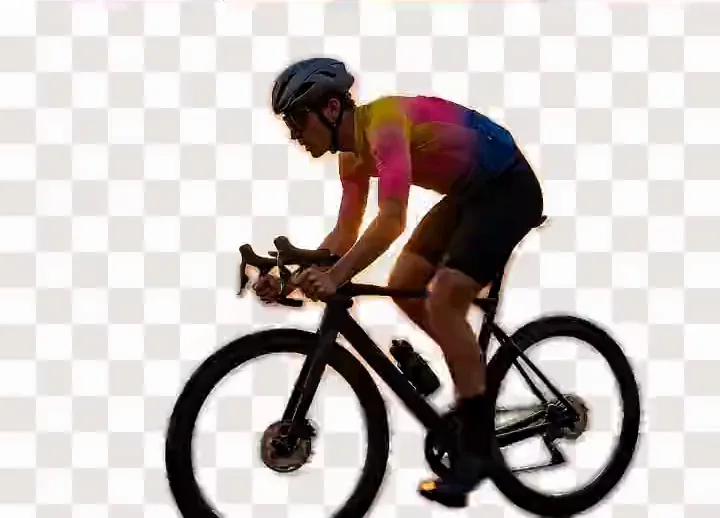
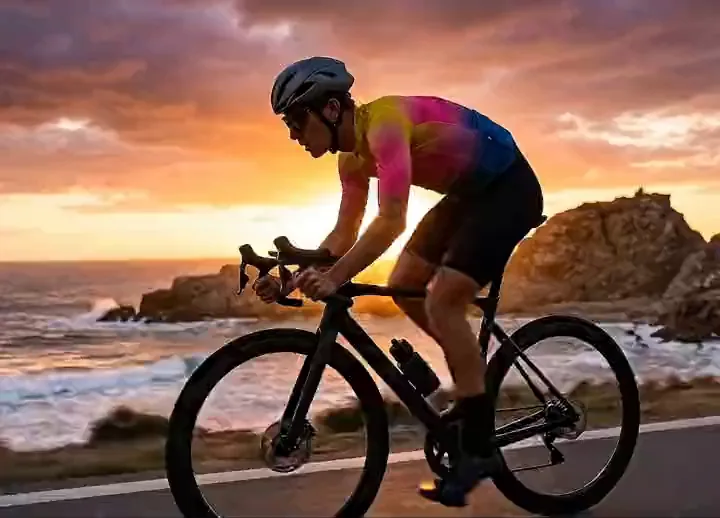


Drag to compare: the original on the left, the background removed on the right, shown against a transparency checkerboard.
Background
1 Dec 2025
Service stopped
29 Jun 2026
Domain closed
99.5%
Traffic lost
361,209
Peak visits a month
No signup
To try it
Unscreen Shut Down on Two Separate Dates
Unscreen shut down in two stages, and most pages quote the wrong date. It stopped returning output seven months before the domain closed.
-
The service stopped working
No finished video or GIF came back.
-
The site stayed up anyway
Reachable, indexed, broken.
-
Canva closed unscreen.com
"As of June 29, 2026, Unscreen.com has closed."
-
Every path 302-redirects to Canva
Where the job needs Canva Pro.
traffic collapse — a peak of 361,209 visits a month, down to 1,735.
What the Redirect Costs You
Unscreen separated the subject from a video or a GIF automatically. No green screen, no mask, no account. The redirect keeps the job and changes the terms.
Follow the redirect to Canva
- An old link lands on Canva's feature page
- Canva Pro
- An account
- Footage on a server
- The export composites a solid colour behind you — no transparent video
bgremover.ai
- You drop the clip into this tab
- No account, no Pro plan
- Processed on our GPU servers
- You save MP4 — no watermark added
What You Actually Get Instead
What each free tier gives at the download step, not the preview. Checked 2 September 2026.
| Tool | Free at download | No watermark | No account | On device |
|---|---|---|---|---|
| bgremover.ai | Free, no account | ✓ | ✓ | ✗ |
| FuzzPuppy | Alpha MOV, free | ✓ | ✓ | Desktop WebGPU |
| Canva | Canva Pro only | n/a | ✗ | ✗ |
| VEED | 720p, 10 min, once | ✗ | ✗ | ✗ |
| Kapwing | 720p, 4 min | ✗ | ✗ | ✗ |
| cutout.pro | 5 sec at 360p | ✓ | ✓ | ✗ |
| unscreen.pro | Preview only | ✗ | n/a | ✗ |
Paid entry: VEED $12 a month annually, Kapwing $16, cutout.pro $9 per minute, unscreen.pro $4.99 to $99 — where $4.99 buys "Fast (2x)" and $99 "Priority (3x)". Free users wait.
Two rows beat us. FuzzPuppy is the closest peer: client-side, MODNet and BEN2, free alpha MOV — desktop WebGPU only, but your file stays on your machine, which ours does not. cutout.pro advertises 4K and alpha; we do not.
What Happens to Your Clip Here
Like most tools in this list, bgremover.ai uploads your clip to a server: it is processed by our AI model on GPU servers, and the upload and its masks are not stored. What it skips is the account, the Pro plan and the watermark.
What bgremover.ai Does Not Do
- No transparent video exportMP4 or WebM with a replacement background, or green screen you key yourself.
- Softer on fine hairA lit chroma key still wins on strands.
- Output is MP4WebM in browsers that cannot write MP4. A ProRes pipeline needs a conversion step.
- Five minutes at mostLonger clips need trimming first, and at busy times a job may wait briefly for a free GPU.
Where to Go Next
- ToolVideo background remover Replace, keep or blur. Open →
- 1 Dec 2026remove.bg alternative Same pattern, image half. Open →
- StillPhoto background remover Real PNG alpha. Open →
- AlphaTransparent video Which formats carry alpha. Open →
- GuideGIF backgrounds One palette index, no partial opacity. Open →
- PrivacyThe privacy policy What is uploaded, and when it is deleted. Open →
Frequently Asked Questions
Is Unscreen Gone for Good?
Yes. The service stopped working on 1 December 2025, and Canva closed unscreen.com on 29 June 2026. Every URL now 302-redirects to Canva's video background remover. No archived version runs anywhere.
Why Did Unscreen Shut Down?
Canva acquired Unscreen and folded background removal into its own editor. Canva's help page confirms the closure date of 29 June 2026 without giving a reason. The honest answer is consolidation.
What Happened to My Unscreen Account?
unscreen.com no longer resolves to Unscreen, so there is no account page to sign into; every path redirects to Canva. We have not verified what became of stored files or subscriptions.
Is There a Free Unscreen Alternative?
Several. bgremover.ai runs on our GPU servers with no account, no watermark and a free download, for clips up to 5 minutes. FuzzPuppy is free, client-side and exports alpha MOV. Kapwing watermarks its 720p export.
How Do I Remove the Background From a Video?
Drop an MP4, WebM or MOV into a browser-based video background remover, and let the segmentation model separate the subject from the backdrop frame by frame. Pick a background, and download.
Can I Remove a Video Background Without a Green Screen?
Yes. A segmentation model replaces the green screen requirement by predicting which pixels belong to the subject from the image itself, not by keying one colour. A chroma key is cleaner on hair.
Can I Get a Transparent Background Video From bgremover.ai?
Not yet. The export is MP4 (or WebM) with a replacement background or a green screen behind the subject, not a file carrying an alpha channel. Key the green-screen export in your editor.
Does bgremover.ai Upload My Video?
Yes. Your clip is resized to at most 1280 pixels on the long side, uploaded over HTTPS and processed by our AI model on GPU servers; the upload and its masks are not stored. The finished export is built in your browser and never sent to us. The privacy page has detail.
Remove a Background Now
Try it without signing up. Your file is processed on our GPU servers and never stored.